

SAR-BO Yazılım
EN
Let’s start with an idea ↗
SAR-BO / INTERACTION LABORATORY / 20 EXPERIMENTS

Looking is only the beginning.
Interact.

A movement, a new feeling. Open menus, drag cards, direct light. Each box is a little world to explore.

20 experiments are waiting to be discovered.

01 / MENU

Orbit menu

Touch center; Let the options go into orbit.

Select a direction.View details ↗
02 / MENU

Behind the scenes

Open the menu; Let the layers enter the scene one by one.

Ready for a new scene.View details ↗
03 / MENU

Live dock

Approach or touch icons; change focus.

Select an icon.View details ↗
04 / MENU

Sliding route

Select a route; Let color and indicator go together.

IDEA
Start: an idea.View details ↗
05 / BUTTON

Magnetic attraction

Move cursor in or press; Let the button follow you.

Enter the shooting area.View details ↗
06 / BUTTON

Wave effect

Press different points; Let the source of the wave change.

Every touch is a wave.View details ↗
07 / BUTTON

Hold, fill

Press and hold the button or spacebar for one second.

If you leave it early it will be back to square one.View details ↗
08 / BUTTON

A little celebration

Tap; Let the geometric pieces scatter around.

Make room for a success.View details ↗
09 / BUTTON

Shape-changing button

Tap; Let the button turn into a status indicator.

Example interaction; no data is sent.View details ↗
10 / OBJECT

Perspective card

Move cursor; Change the tilt by tapping on the phone.

Discover depth.View details ↗
11 / LIGHT

Chasing the light

Hover or tap area; illuminate the hidden surface.

THE INVISIBLE
EXPLORE.
Tap; Let the light move there.View details ↗
12 / OBJECT

Free satellite

Drag the satellite or move it with the arrow keys.

The space is yours, the direction is yours.View details ↗
13 / MOTION

Flexible energy

Tap; Let the stuck object return like a spring.

Release energy.View details ↗
14 / PASSAGE

Other side of the card

Flip the card; Find another story in the same object.

Obverse: Idea.View details ↗
15 / PASSAGE

Color portal

Move to the new world; Let the color radiate from the center.

Night world.View details ↗
16 / LAYOUT

Living mosaic

Change the layout; Let the pieces flow into their new places.

ABCD
Each piece is a different rhythm.View details ↗
17 / PASSAGE

Between two worlds

Move the slide; Compare two visual languages.

NIGHT / 01
DAY / 02
Passage: 50%.View details ↗
18 / TYPOGRAPHY

Rhythm of letters

Change density; Let the word breathe.

CURIOUS
You set the rhythm.View details ↗
19 / MOTION

Particle architecture

Tap; Turn scattered points into a system.

Scattered ideas. A common aspect.View details ↗
20 / PASS

Story deck

Move to next card; Let the layers change places.

01 / CURIOSITY
02 / COURAGE
03 / DISCOVERY
Story 1 / 3.View details ↗
BRAND INTERFACE↗
SAR-BO logo
AN IDENTITY. DIFFERENT EXPRESSIONS.

Interfaces with character.

01 / VISUAL LANGUAGE
View details ↗
CONTENT MANAGEMENT↗
↗
CONTENT AREA

Everything is in place.

Home pageDraft
Brand story
Contact
EXAMPLE OF AN INTERACTIVE INTERFACE.

You are in control.

02 / MANAGEMENT EXPERIENCE
View details ↗

This area consists of interactive interface examples. You can reduce the action with the pause button in the top menu.

DIGITAL EXPERIENCE LABORATORY

Interaction
make sense. Let

The works on this page are examples of interactive design that describe SAR-BO's interface and movement approach. It is not intended as a customer project or published product reference.

Changing a theme, seeing the status of a piece of content, or feeling the depth of an interface; It allows understanding the character of a system through small interactions.

In real projects, we shape this visual language according to the user's needs and the conditions of the device. The intensity of the movement should not get in the way of readability and ease of use.

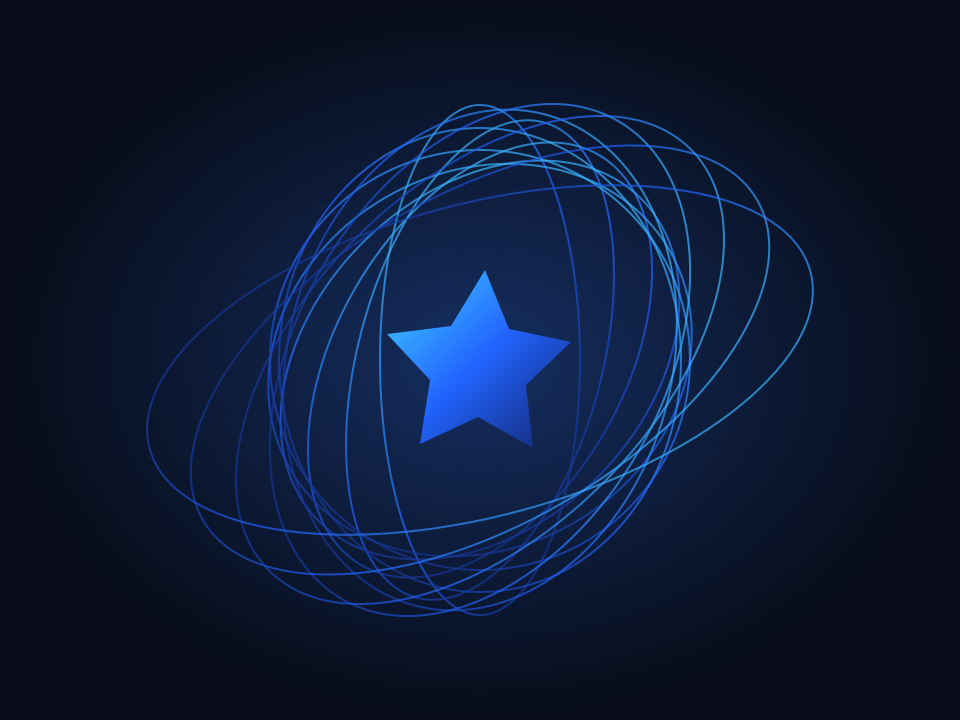
Example of digital experience with layered interface windows
DIGITAL EXPERIENCE LABORATORY
NEXT STEPWhat could we
build together?